
Dear Dalton Public Schools Families,
At Dalton Public Schools, we are always looking for ways to strengthen communication between home and school. Over the past year, we received valuable feedback from families and staff regarding our parent-teacher communication platform, Rooms. After carefully reviewing that feedback and exploring other options, we have decided to move to a new communication platform called ParentSquare for the upcoming school year.
With ParentSquare, you'll be able to:
Receive school, district, and classroom messages in one location
Get communications delivered through email, text message, phone call, mobile app, or web browser
Automatically receive messages translated into your preferred language
Send and receive messages with teachers and school staff
Stay up to date on school news, announcements, and events
Complete forms and permission slips electronically
Sign up for parent-teacher conferences and volunteer opportunities
View calendars, reminders, photos, and other important updates
All school, grade-level, and classroom communications will now come through ParentSquare, making it easier to stay connected and informed.
While you’ll still receive district updates through the Dalton Public Schools app, please note that individual parent-teacher communications will be moving outside of the app.
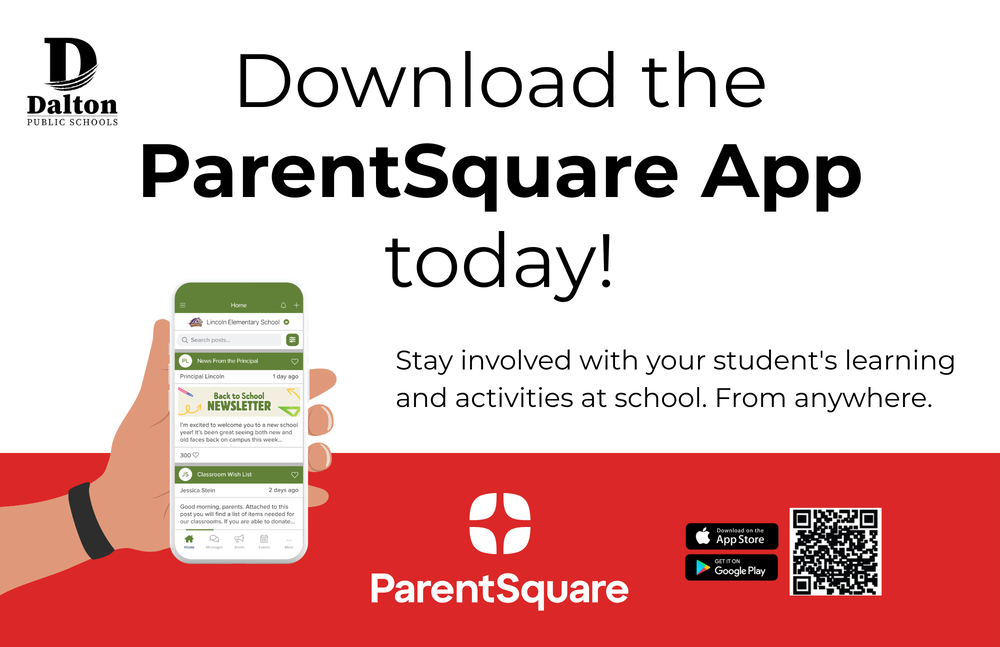
To get the most out of ParentSquare, we encourage you to download the free ParentSquare mobile app, available for both iOS and Android devices. You can also access ParentSquare through any web browser at www.parentsquare.com.
In the coming weeks, we will share additional information about activating your account, setting your notification preferences, and getting started with the platform.
If you encounter any issues—including trouble logging in, missing or incorrect classes, incorrect information, or other technical concerns—please submit them using this ParentSquare Support Form. Using the form helps us track and resolve issues more efficiently.
Thank you for your continued partnership and support. We appreciate the feedback you have provided and are excited to offer a communication tool that better meets the needs of our families and schools.